Say what you need
Dictate your prompts with remote transcription or optional local voice recognition on the host.
Your AI coding workspace, without boundaries
No vendor lock-in.
Great work shouldn’t stop at the edge of a chat.
Bring your AI agents together. Keep the context, coordinate the work, and pick up from your phone. Choose your providers. Switch when you want. Keep your conversation.
Get started 30-day free trial. No credit card required.Explore the workspace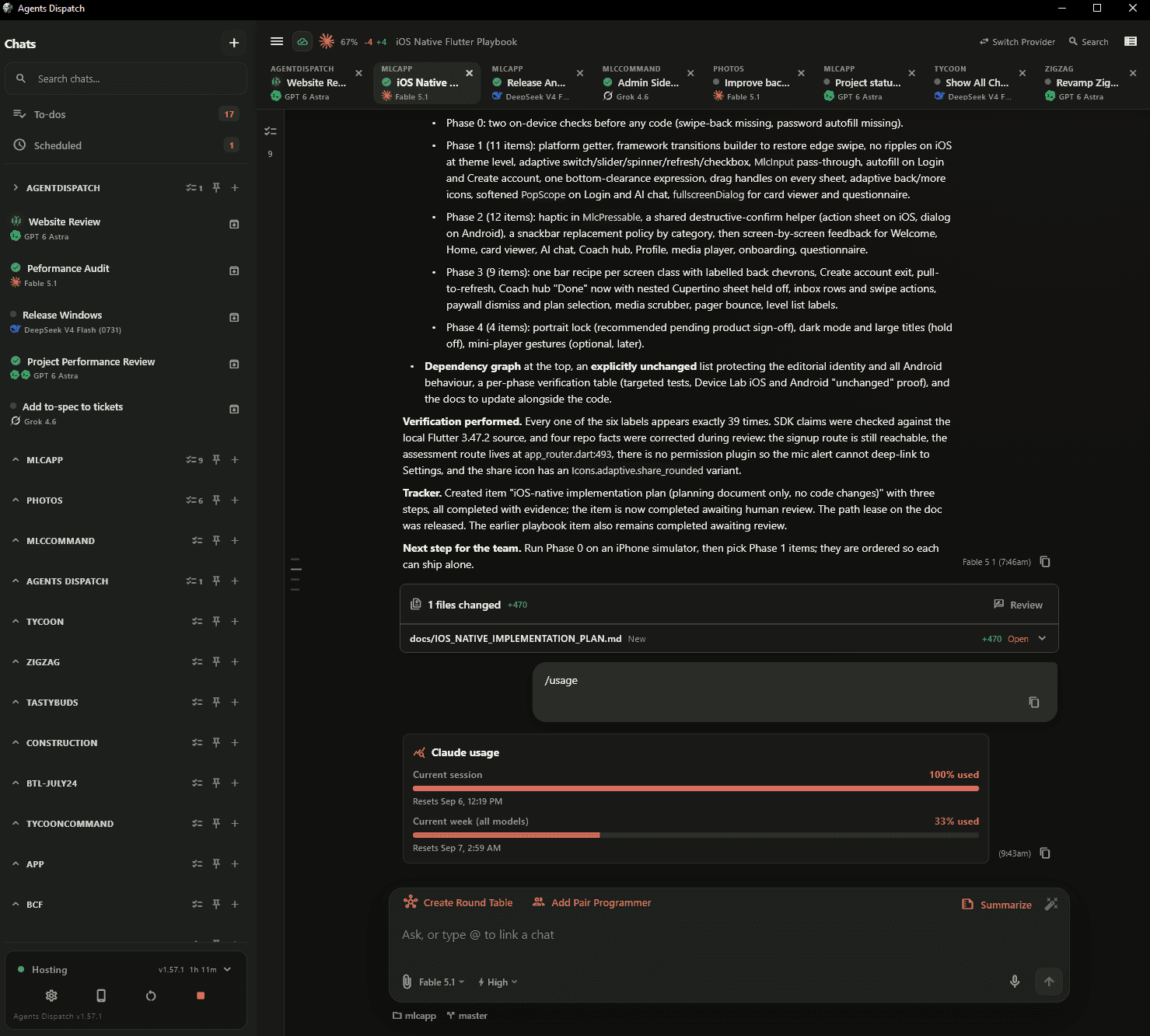
 Claude
 Codex
Codex Gemini
 Kimi
Kimi DeepSeek
 MiniMax
 Grok
Grok Z.ai
Z.ai OpenRouter
 Hugging FaceMeta
Native harnesses. A bigger workspace.
Agents Dispatch runs the native harness CLIs you already know. It adds the coordination layer: delegation, shared project awareness, automatic task tracking, and access from every device.
Less coordination. More creation.
You set the direction. Agents share project awareness, keep tasks current, and carry the work forward.
Your agents can see the work around them.
Agents in the same project discover who is working on what, coordinate file access, and ask each other focused questions. Give separate chats shared awareness without relaying every update yourself.
Works within a project, including its Git worktrees. Claude, Codex, and Kimi support full participation; other harnesses may show presence only.
From your request to a result you can review.
With agent task management enabled, substantial requests become tracked outcomes. Agents maintain the steps, update progress, and record what they checked. Completed work stays available for your review and acceptance.
Project tasks are shared across the project's worktrees and managed by your host.
Let the reset time handle the restart.
When a supported provider reports its usage reset time, your chat is set to continue one minute after it resets. No alarm to set. No return trip just to type continue.
The host must be running. A known reset time is required; pending approvals and active work take priority.
Move the work forward without starting over.
Choose a new provider and bring the conversation with you. Agents Dispatch transfers the full persisted conversation transcript by default, along with a source-chat reference and the available work checkpoint, so the next agent can pick up the task.
Transfer and model context limits still apply. If the transcript exceeds the server limit, you can choose to transfer the most recent 100,000 characters. Provider tools and internal model state are not identical.
Line up the work while your agent is busy.
Queue a follow-up without interrupting the current turn, or schedule a message for later. Use recurring scheduled tasks for work you want agents to revisit regularly.
Keep your host awake and connected for scheduled work to run.
Spend your effort on the idea, not the phrasing.
Use AI to sharpen a draft before it reaches your coding agent. Prompt improvement draws on the conversation and project context to clarify your intent while preserving the goal and constraints you already gave.
The rewrite is instructed to preserve your request and avoid inventing requirements.
Keep the decisions. Know where to pick up.
Ask the current agent for a standalone summary of the conversation. Capture the goal, constraints, decisions, completed work, open questions, and an explicit continuation checkpoint in one readable handoff.
Summaries are generated from the conversation. They do not independently verify the workspace or perform more work.
Switch projects without losing your place.
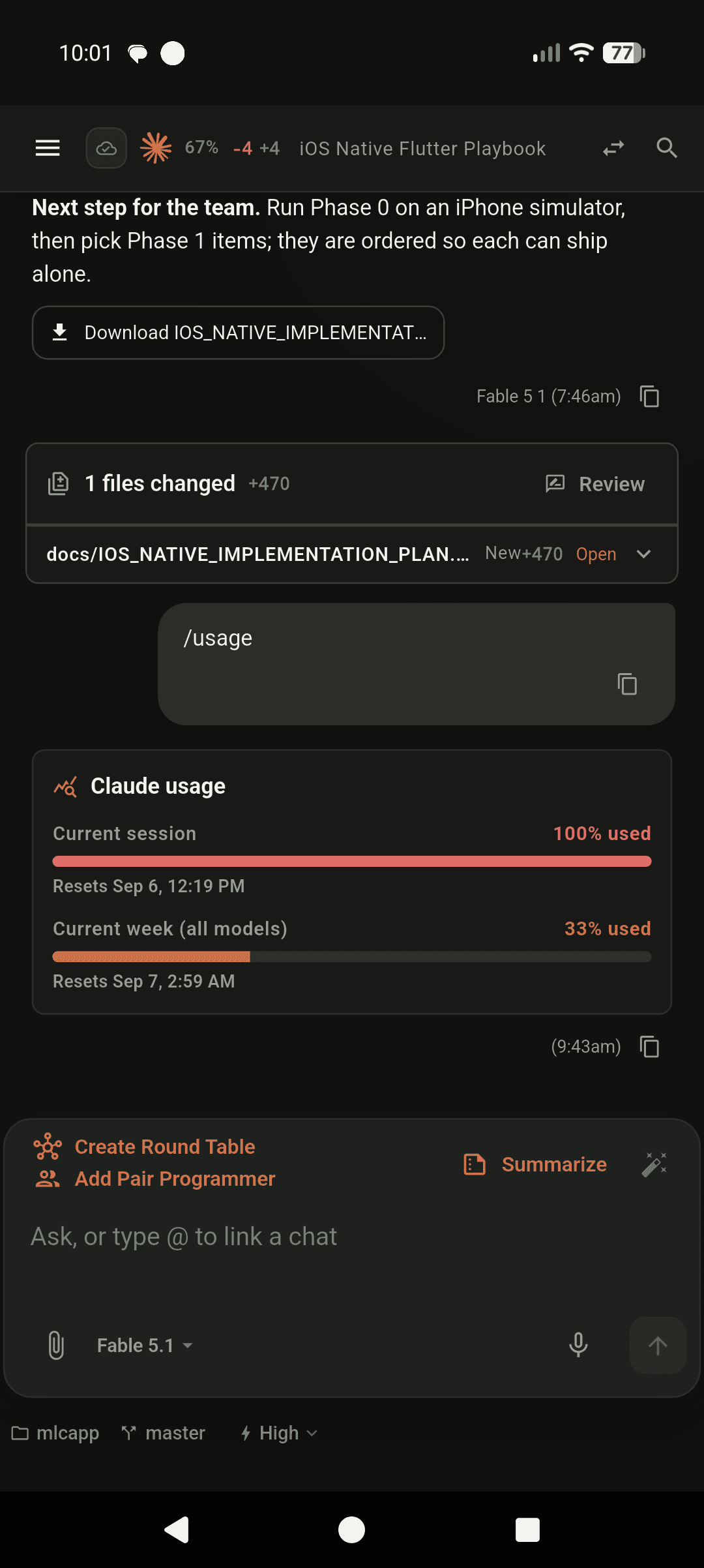
Keep active conversations across projects in a tab bar, an Active Chats sidebar, or both. See the project and provider at a glance, then jump straight into the conversation that needs your attention.
Cross-project navigation keeps your conversations close; agent communication remains scoped to each project.
A working style for every task
Start with a conversation. Add independent thinking, a second set of eyes, or parallel implementation when the work needs it.
Find your workflowRun two, three, or five independent attempts of the same working model, each in its own isolated Git worktree. Your chosen judge compares the evidence, scores the attempts, and selects the strongest result. Use the same model as judge or bring in a different one. Requires a Git project.
Give one agent a focused task. Follow its work, steer the conversation, and review the result in one place.
A judge brings together two to four read-only panel seats, then synthesizes their findings. Choose investigation first or let the judge build before the panel reviews.
A driver plans and writes code. A read-only critic reviews the plan and the implementation. Add a human approval gate before building when the task calls for it.
Keep a capable model in charge of investigation, planning, and review. Assign bounded implementation work to up to three parallel agents, including faster or lower-cost models.
Send the same request to two models. Read their independent results side by side and decide which approach fits your project.
Keep a working model on the task while a stronger advisor provides focused guidance. Consultations can help triage the approach and review the result, then the working agent applies the advice.
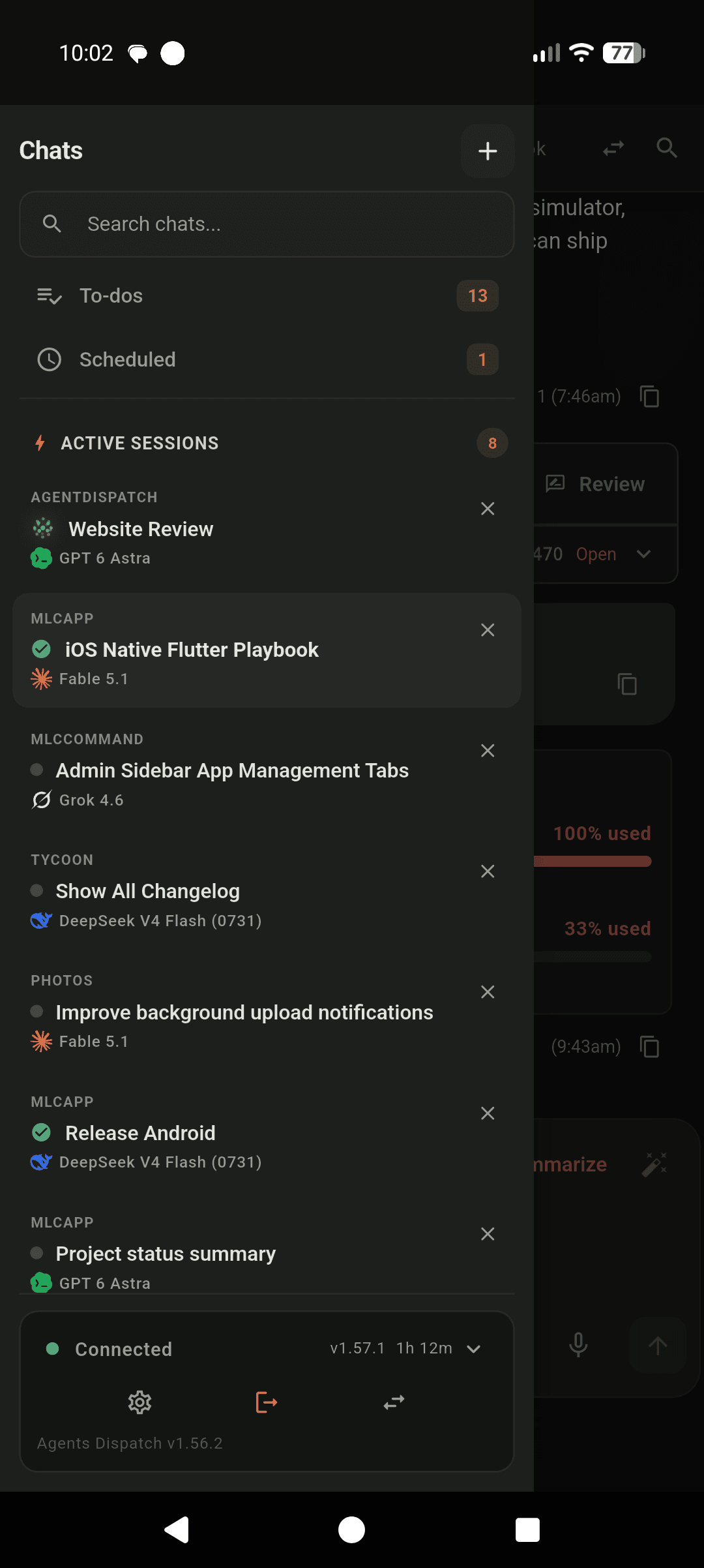
Your machine. Your freedom.
Start at your desk. Check progress, steer an agent, approve a request, or collect a file from your phone. Your desktop host keeps doing the work.
Connect through Cloudflare Tunnel. Keep your desktop awake and online for remote access.
Built for the way you actually work
From the first prompt to the finished file, the essentials are already in your workspace.
Dictate your prompts with remote transcription or optional local voice recognition on the host.
Receive host files as download cards, including when you’re connected from another device.
Watch streaming output, track usage, steer conversations, and manage approval requests.
From install to first task
Create an account and download the app for your host.
Sign in or add your API keys. Choose your project and model.
Start a chat. Connect your phone whenever you want to go remote.
Next stop: your next great idea.
No. Agents Dispatch runs the native harness CLIs underneath, including Claude Code, Codex, Kimi, Gemini, and OpenCode. It brings them into one desktop and mobile workspace, then adds coordination and task-specific instructions for delegation, communication between agents in the same project, project task management, and other workflows. The underlying harness still provides its own agent runtime and tools; available capabilities depend on the harness you choose.
A desktop and mobile workspace for AI coding agents. It brings your providers, project conversations, tasks, and multi-agent workflows into one app. Agents execute on your desktop host; your other devices connect to that host.
Bring your existing supported provider subscriptions or API keys. Agents Dispatch manages your agents; it does not include model usage. Authentication, available models, and capabilities depend on the provider and harness you choose.
Communication currently works between eligible chats in the same project, including its Git worktrees. Agents discover peer work, reserve file paths, and ask bounded questions. Claude, Codex, and Kimi support full participation; other harnesses may show presence only.
For supported limit notices with a known reset time, automatic resume is enabled by default and scheduled for one minute after reset. You can turn it off from the chat. The host must be running, and pending approvals or other active work can delay continuation.
Yes. Your desktop host runs the agents and keeps their sessions. Keep it awake and connected for remote control, schedules, and automatic resume. Your phone connects to the host through the remote connection.
Your workspace and agent processes live on your host. The providers and tools you choose can receive the context needed to do their work. Remote access connects you to that host; it does not move the workspace to a phone.